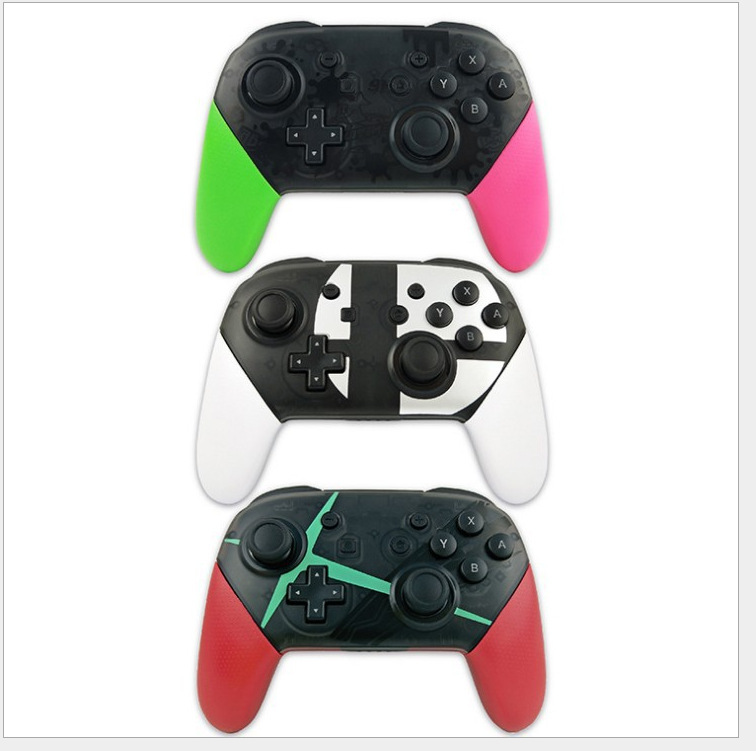
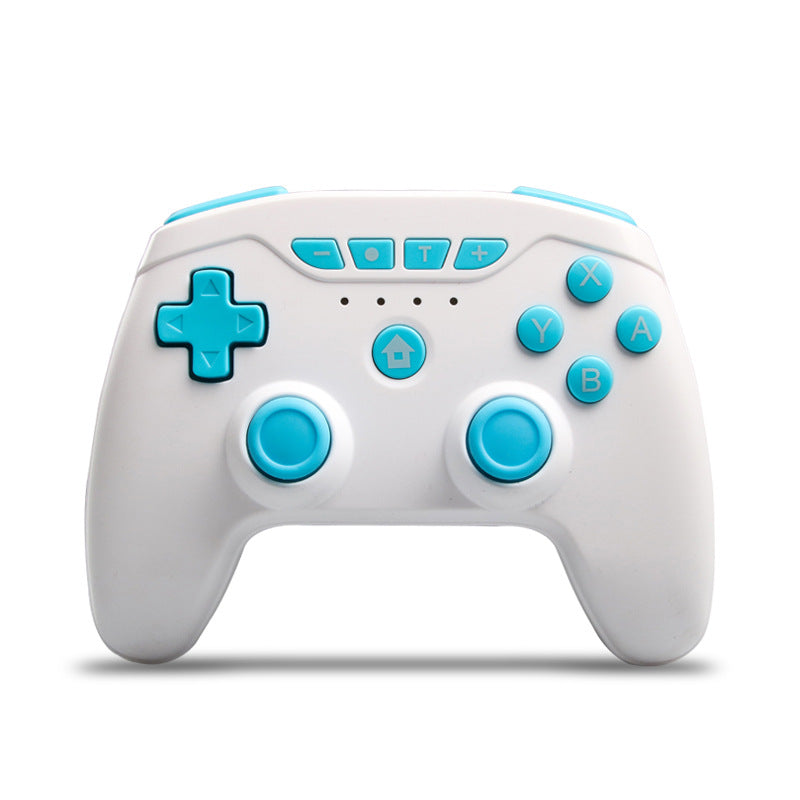
PRO wireless Bluetooth gamepad
From £29.14


Regular price
£32.25
Sale price
£32.25
Regular price
Unit price
per
Tax included.
Couldn't load pickup availability
switch wireless controller
* Dual motor
* Bluetooth connection
* Perfect function: with screenshot function and vibration function
Size: 16.5x16x6.5cm
SWITCH Bluetooth controller operating instructions
1. Settings of the host
# 1 To connect the Bluetooth controller, the Controller Connection (Bluetooth) option of the host is On, or turn off Flight Mode;
# 2 On the main page, select Controllers-> Change Grip / Order to make the host search for Bluetooth devices. (This operation is not required to connect back)
# 3 Note: If the host is difficult to pair the controller, there may be too many Bluetooth devices connected to the host, you need to manually clear the Bluetooth information (System Setting-> Controllers and Sensors-> DisConnect Controllers);
2. Pair the controller with the controller
When the handle is off, press and hold the small button next to TYPE USB for 3 seconds to enter the code matching state. The four LEDs are in the state of fast running lights. The channel indicator corresponding to the successful connection is always on. If it is not synchronized within 1 minute, it will automatically sleep.
If the Bluetooth connection is successful, the corresponding channel indicator LED is always on (Switch host assignment)
3. Connect the controller to the host
When the handle is off, press any key to wake up the handle. After being awakened, it will automatically connect to the paired host to connect back. If the connection is not successful within 6 seconds, it will automatically sleep.
After the handle is successfully connected, the handle will not operate, and will enter the sleep state according to the host system sleep settings, the host screen is closed, the handle automatically sleep
4. Low voltage alarm
If the lithium battery voltage is lower than 3.55V ± 0.1V, the current channel light flashes quickly to indicate that the voltage is low;
If the lithium battery voltage is lower than 3.45V ± 0.1V, it will automatically sleep;
5. Handle test
Key test: System Setting-> Controllers and Sensors-> Test Input Devices
3D test: System Setting-> Controllers and Sensors-> Calibrate Control Sticks
6. RESET test
Press the small button next to TYPE USB to close the handle;
7. Use distance
Barrier-free operation is about 8-10 meters.